LIVE AI

WHAT COULD YOU DO WITH
0 MINUTES?

I'm a j-school grad and a 20-year TV news veteran. I didn't spend two decades at NBC and CBS because I love algorithms — I did it because I love the work.

But so much of newsroom "work" isn't journalism — it's busywork. Scrolling hundreds of local station sites for a story. Excavating a 200-page court filing for three usable quotes. Catching typos spell-check missed. These tasks don't require judgment — they require time. And that time should go to reporting.

So I started building. Not as a developer (I'm not one) — as a journalist tired of watching talented people waste hours on tasks a machine could do in minutes. These tools don't replace journalists — they unleash them.

What I've Built

Amicus

94 pages just dropped. You've already read the lede.

A 94-page Supreme Court ruling lands on a Friday afternoon. The newsroom goes quiet — not because people are reading it, but because nobody knows where to start. No law degree. No time. Just caffeine and a deadline.

Amicus changes that. Upload any legal document — a Supreme Court opinion, an indictment, a civil complaint, a regulatory filing — and get a structured, journalist-friendly extraction in under 90 seconds.

Not a summary. A structured extraction. The ruling in plain English. Who wrote the majority. Who dissented. Key quotes with page citations. Who's affected. What to watch next. Organized the way a great producer preps a correspondent: the lede, the players, the quotes for air, and what's still missing.

Eight document types. Four analysis depths — speed mode (~30s) to deep mode (~10 min). PDFs up to 300 pages. Copy any section with one click, or download the full brief.

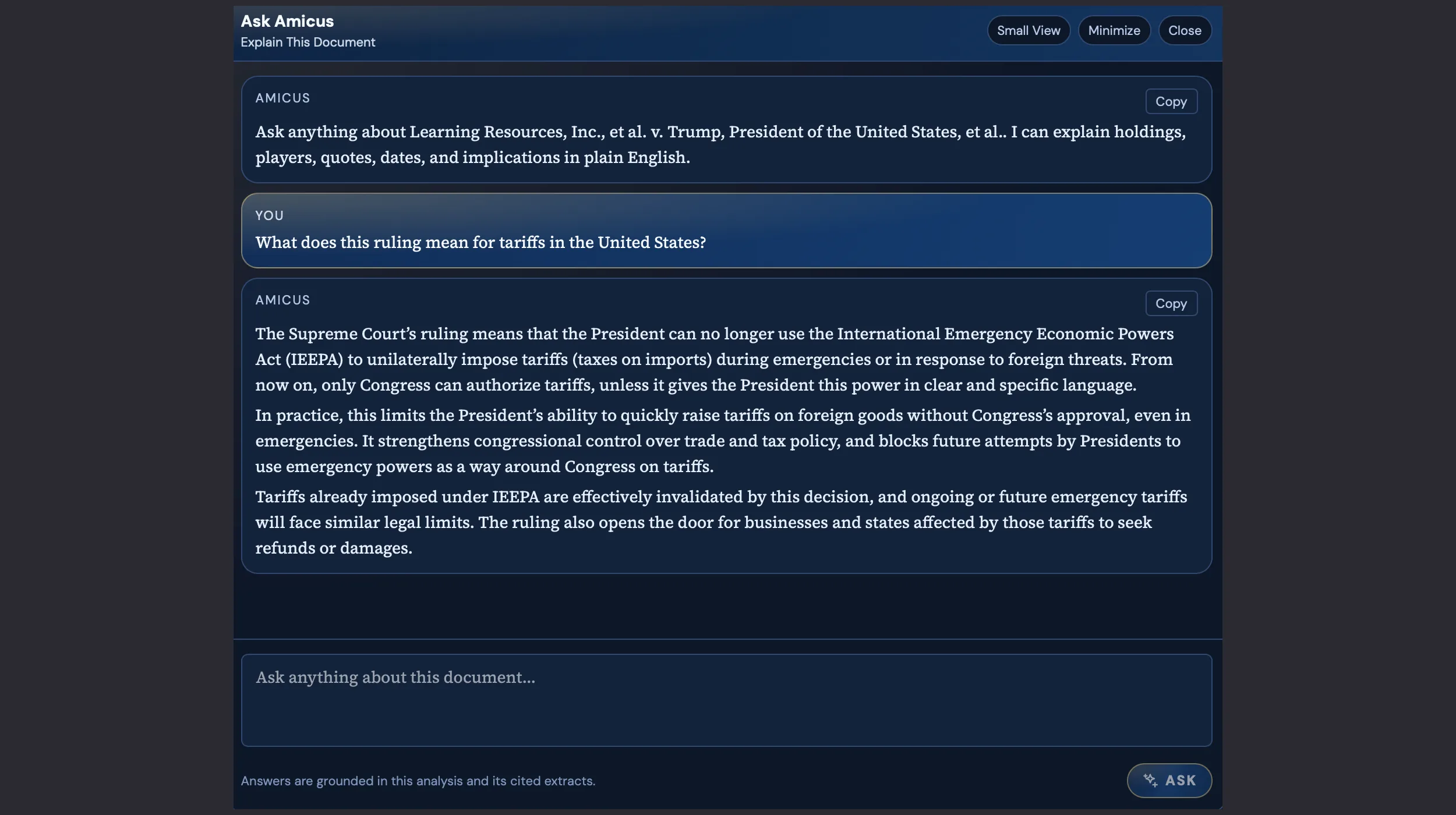
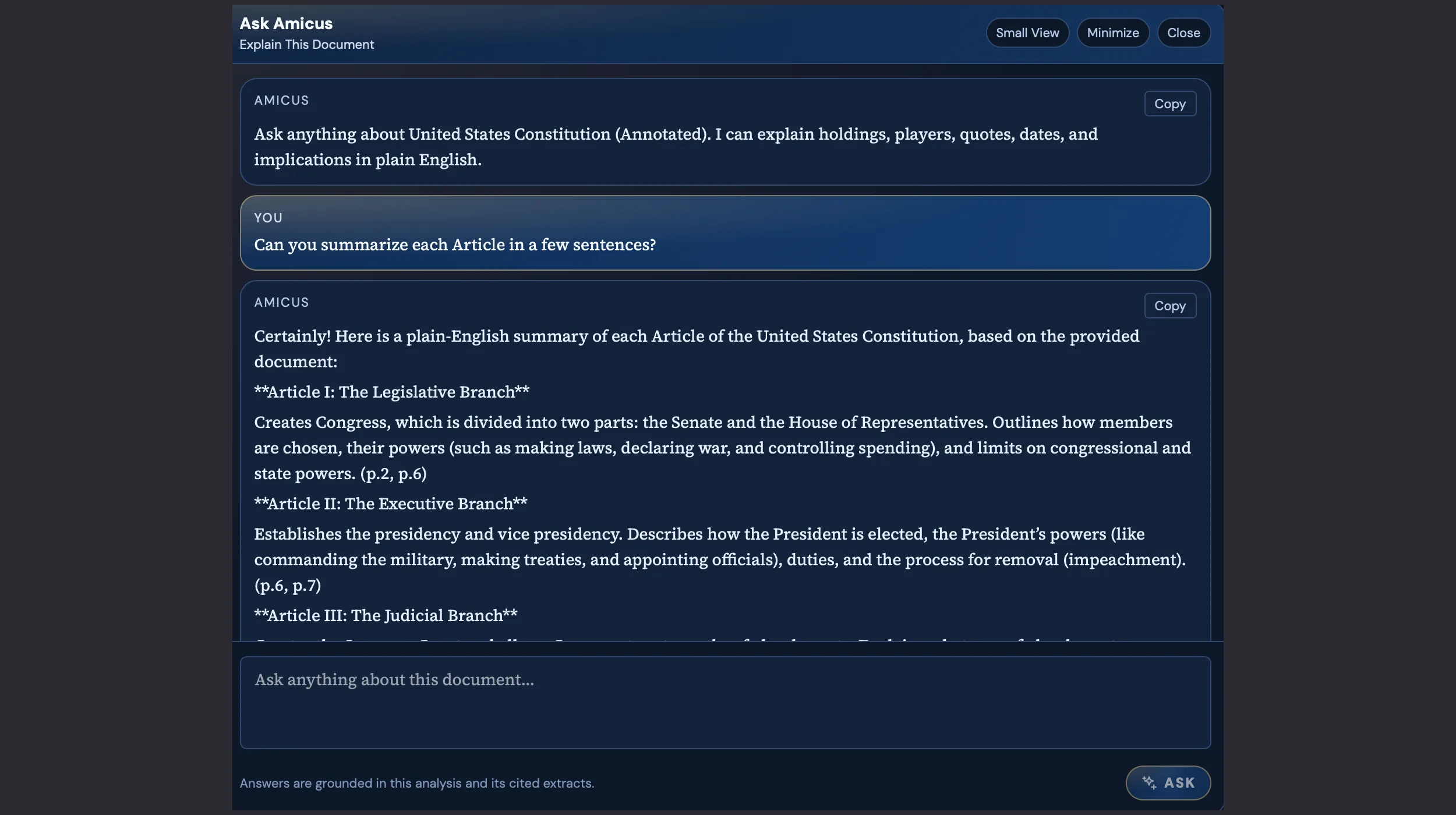
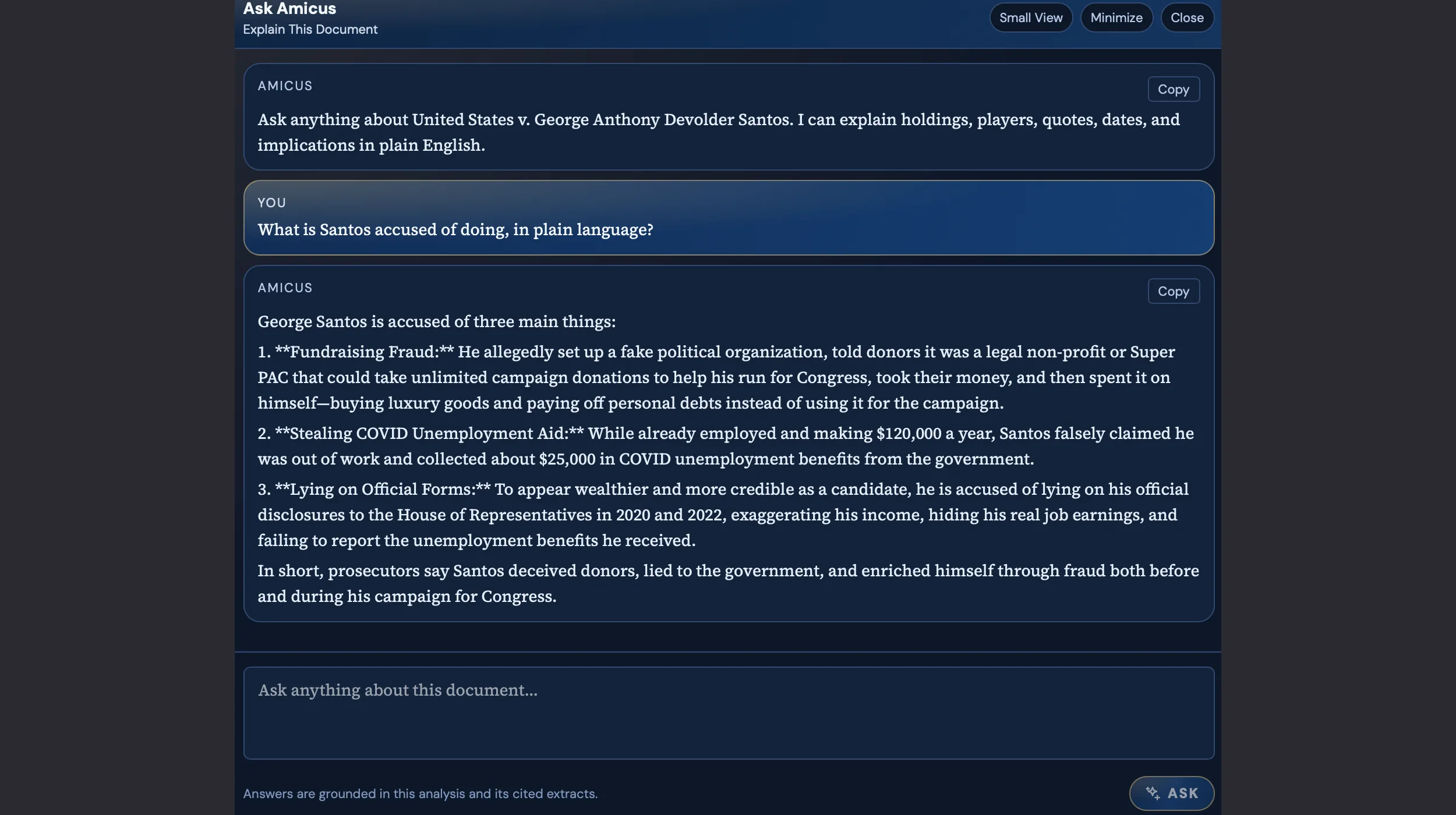
And when you need to go deeper: Ask Amicus. Once a document is parsed, you can ask it anything — What does this ruling mean for tariffs? What is Santos actually accused of? Summarize each article in plain English. It answers in plain language, grounded in the source text, with cited extracts. No hallucinations. No hunting through pages. Just ask.

Amicus doesn't replace editorial judgment. It does the 45 minutes of dense reading so you can spend those 45 minutes on what actually matters: deciding what the story is, who to call, and how to frame it for your audience.

0 document types supported
0 to extract a SCOTUS opinion
0 pages per document
0 courts producing analyzable filings

StoryScanner

Finding national stories before they become national news.

Here's a dirty secret of network news: the best stories start local. A house fire in Phoenix. A school board meeting in Wisconsin. A wrongful conviction in Georgia. These stories don't announce themselves — they hide in plain sight on hundreds of local station websites that no network producer has time to monitor.

StoryScanner crawls 100+ local TV news sites simultaneously, using AI to score each story's national relevance. Every morning, producers get a curated feed of the stories most likely to break beyond their market — before their first cup of coffee.

The result? Stories that would have taken hours to find (or been missed entirely) are now discovered in seconds. More importantly: we've put over 50 StoryScanner finds directly on-air — and counting.

0 local stations crawled daily
0 stories surfaced per month
0 stories put directly on-air
0 reduction in discovery time

CopyThat

Broadcast-ready copy editing at newsroom speed.

TV scripts aren't like other writing. They're meant to be spoken — different rules, different rhythms, different pitfalls. A sentence that reads fine on paper can trip up an anchor on air. And in a newsroom, there's never time for a second pass.

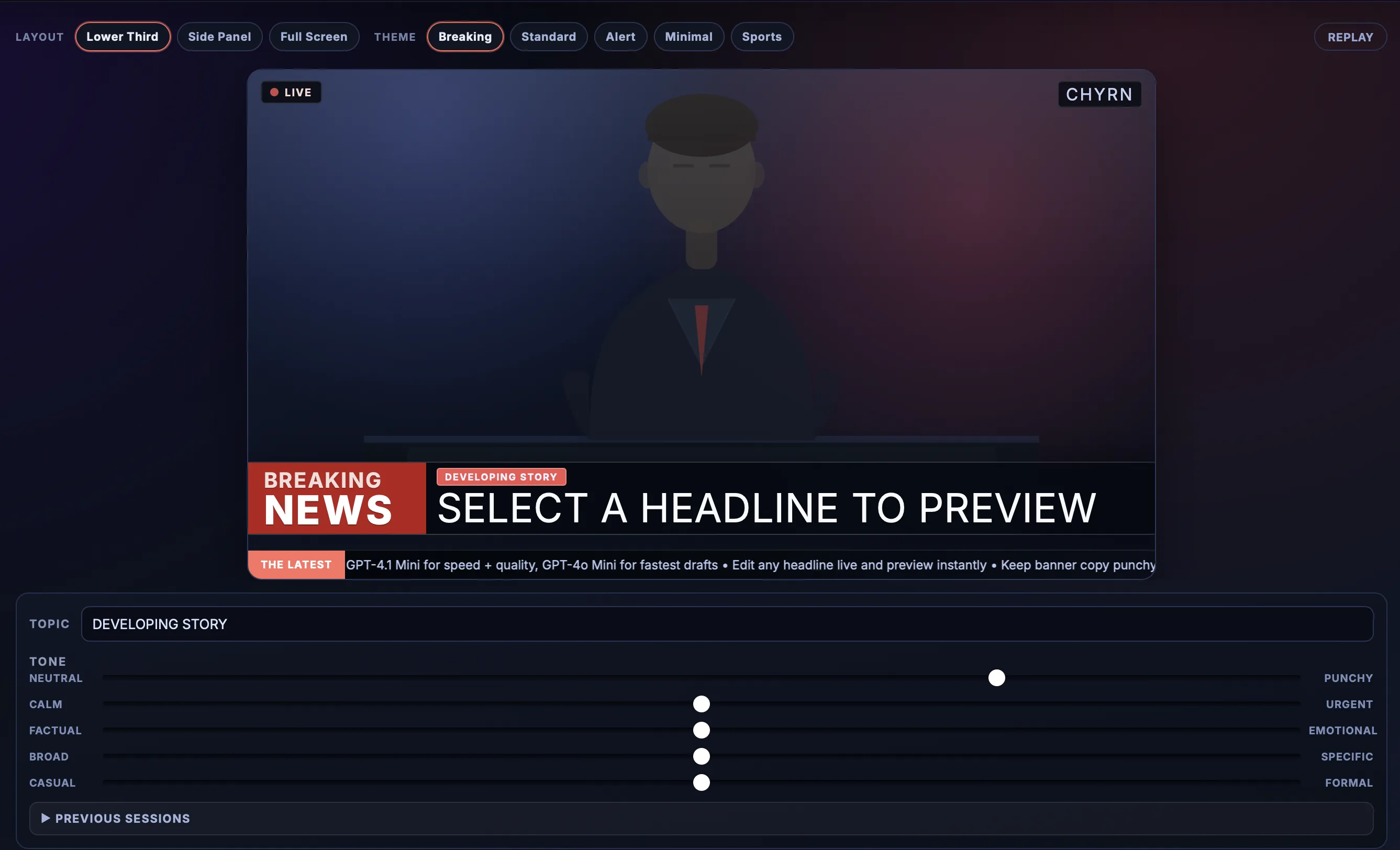
CopyThat is a copy editor built for broadcast. Paste a script and it reviews every spoken line — ignoring teleprompter cues and production metadata — returning a color-coded edit with line-by-line explanations:

  • Red: Spelling corrections
  • Blue: Grammar and syntax fixes
  • Green: Style and clarity edits (AP + broadcast tone)
  • Yellow: Editorial questions — accuracy, sourcing, context

Supports AP, BBC, NPR, and Reuters style guides, plus format toggles for numbers-as-words and acronym handling. A clickable "Latest Edits" panel jumps you to flagged lines. The copy desk that never sleeps, never tires, and never misses a "their" that should be "they're."

0 dictionary entries
0 broadcast style rules
0 style guides supported

CopyThat in action

The Human Part

AI doesn't work if people don't trust it.

Here's what I've learned: you can build the most brilliant tool in the world, and it won't matter if no one uses it.

Newsrooms are full of skeptics — and they should be. Journalists question everything. Drop an AI tool in front of them and the first thought is: "What's the catch? What mistakes will it make? Will it take my job?"

My job isn't just building tools — it's building trust. Sitting with producers, showing them how the AI thinks. Being honest about what it gets wrong. Making the case that this technology handles the tasks nobody wants to do, so humans can focus on the work only humans can do.

Adoption without education is just software nobody uses. I make sure that doesn't happen.

All works presented in this portfolio are the property of my respective employers from during the time of my employment. They are included here solely to demonstrate my professional contributions and capabilities.